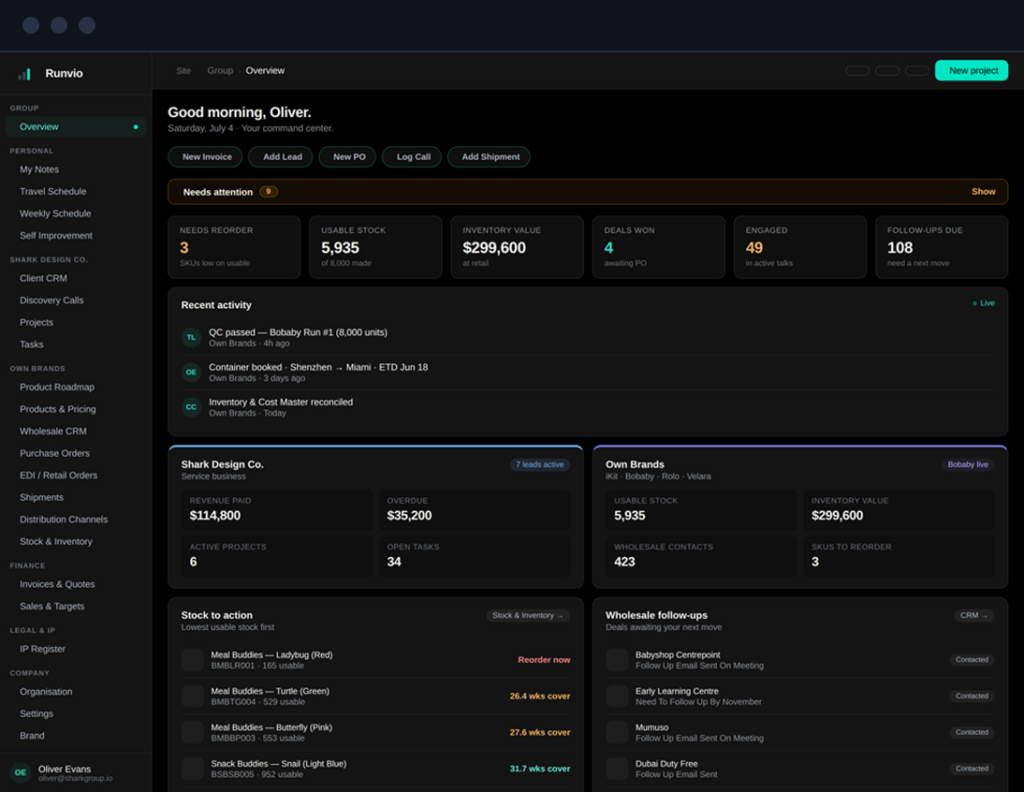
From empty workspace to live operation in an afternoon.
A quick walkthrough of setting up Runvio and finding your way around. Five steps to a workspace that runs the whole business.
1
Create your workspace
Name your workspace and switch on the modules you actually run, pipeline, projects, purchase orders, shipments, margins. You can turn more on any time.
Takes about a minute
Nothing you don't need is in your way
workspace setup
2
Import your data
Bring in leads, suppliers, products and orders from a spreadsheet, or add a few by hand. The moment data lands, your command view fills in.
3
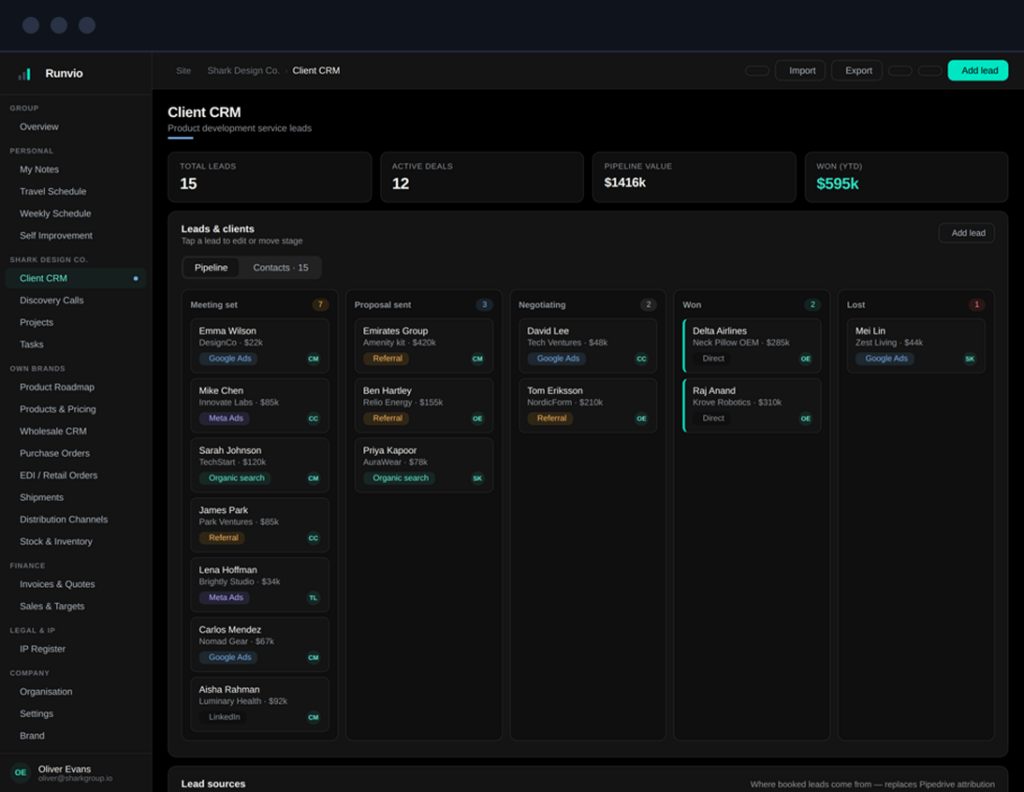
Work your pipeline
Move deals through clear stages, keep contacts tidy, and let the AI notetaker join, record and summarise your calls, all inside the CRM.
4
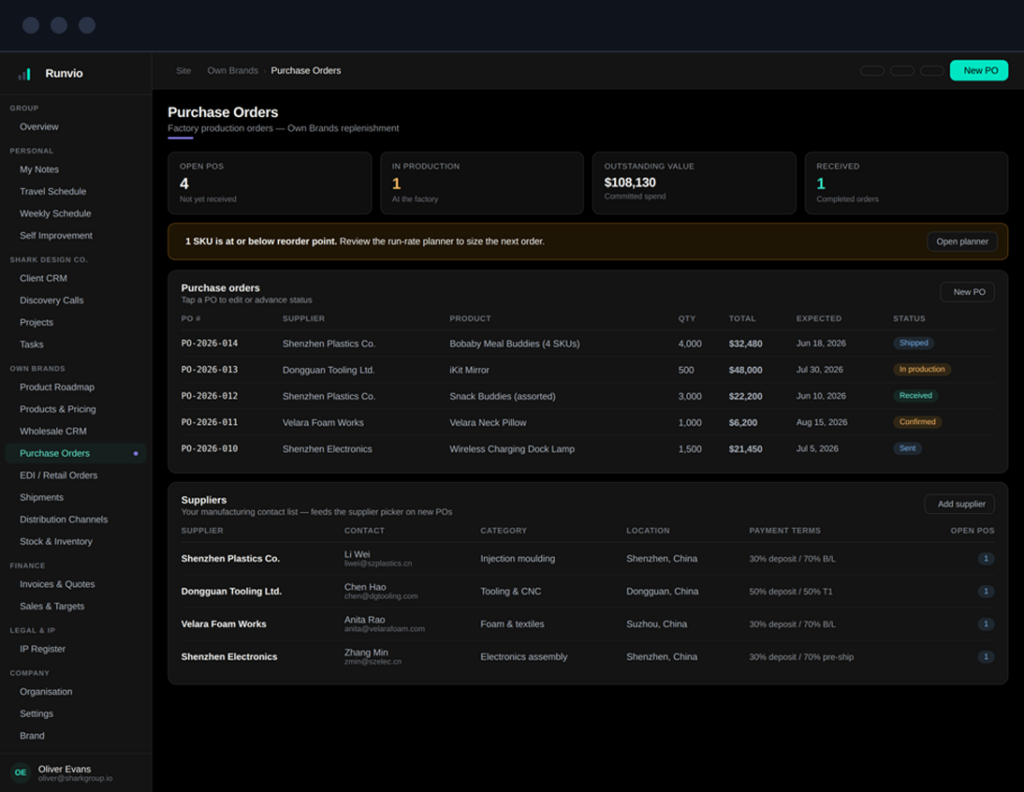
Raise purchase orders
Issue POs to your suppliers and watch them move from confirmed to in-production to received, with your whole manufacturing contact list alongside.
5
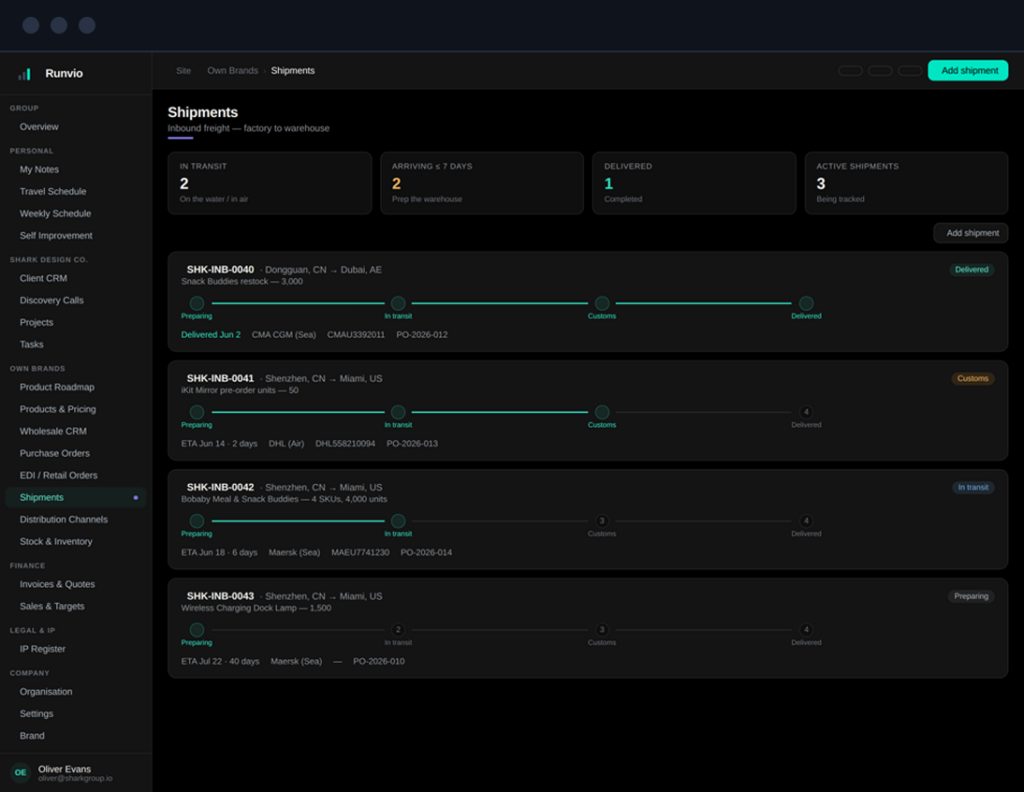
Track shipments
Follow every container and courier factory-to-door with live status and ETAs, so “where's my stock?” answers itself.
Finding your way around
Three things worth knowing on day one.
The sidebar
Everything is grouped on the left, your command view up top, then each area of the business. Click to jump straight in.
The breadcrumb
The trail at the top shows where you are and lets you step back a level without losing your place.
Quick actions
The buttons under your greeting, New Lead, New PO, Add Shipment, start the most common jobs in one tap.